SignMint
All-in-one PDF editor, signing, and document tools
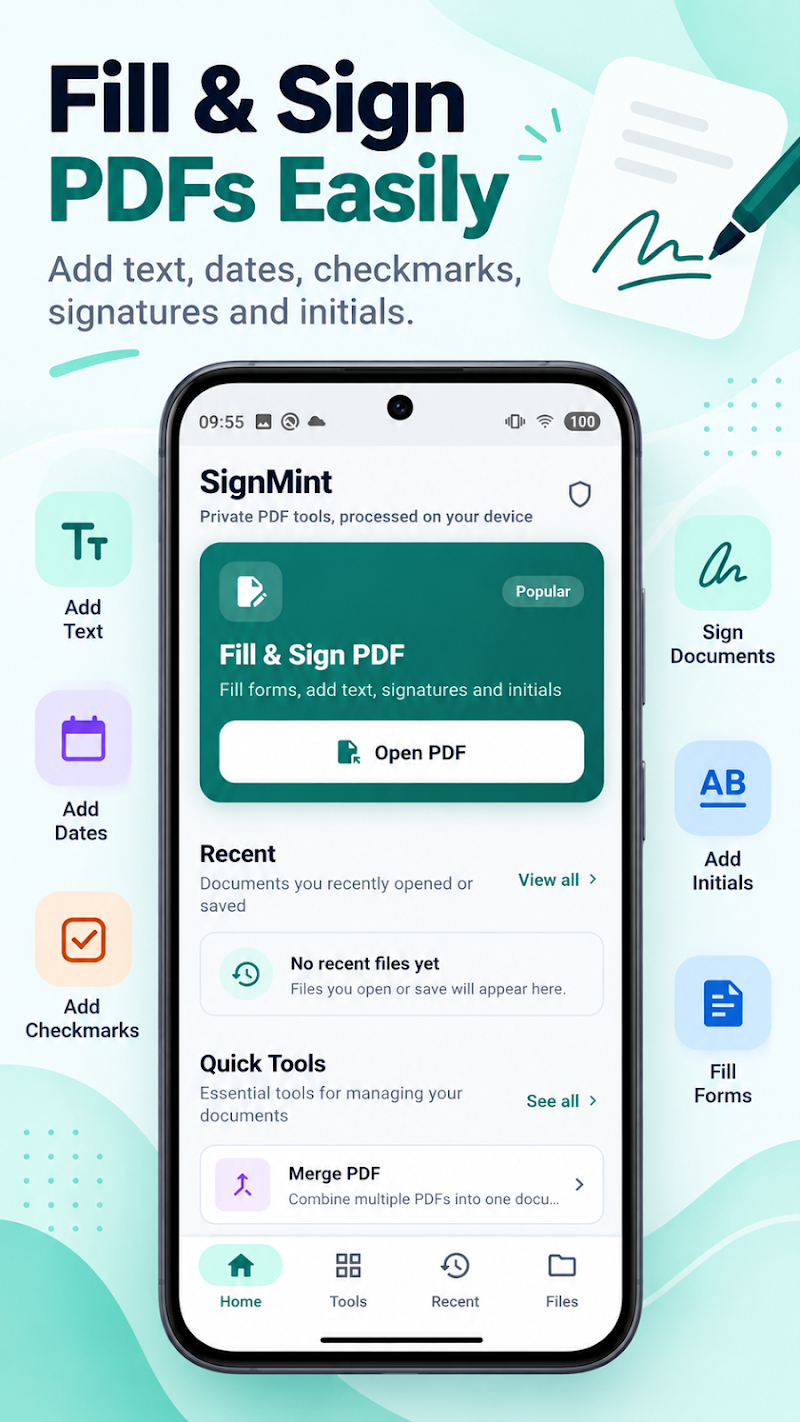
App Screenshots
Official interface captures from SignMint.
Document Viewer & Signature Placement 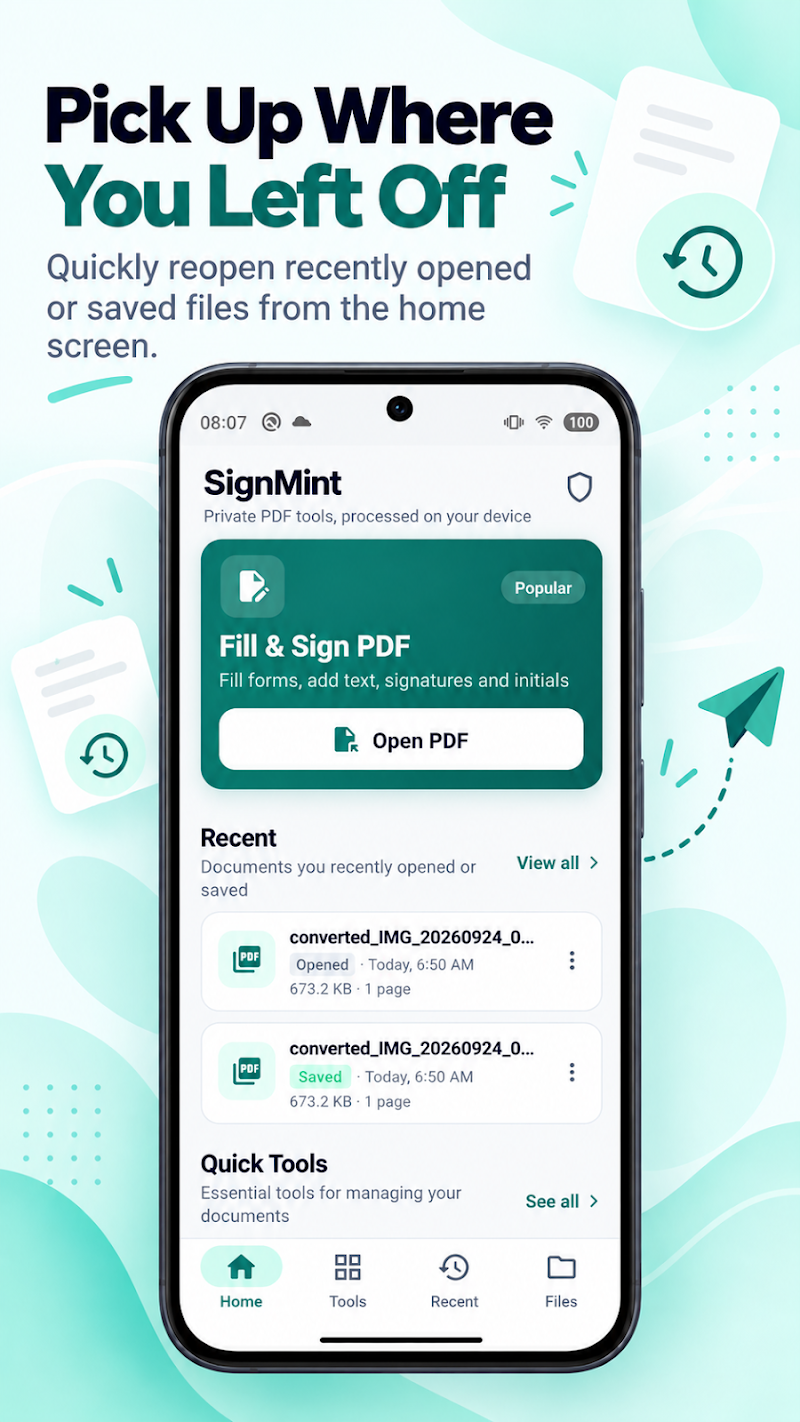
Digital Signature Drawing & Presets 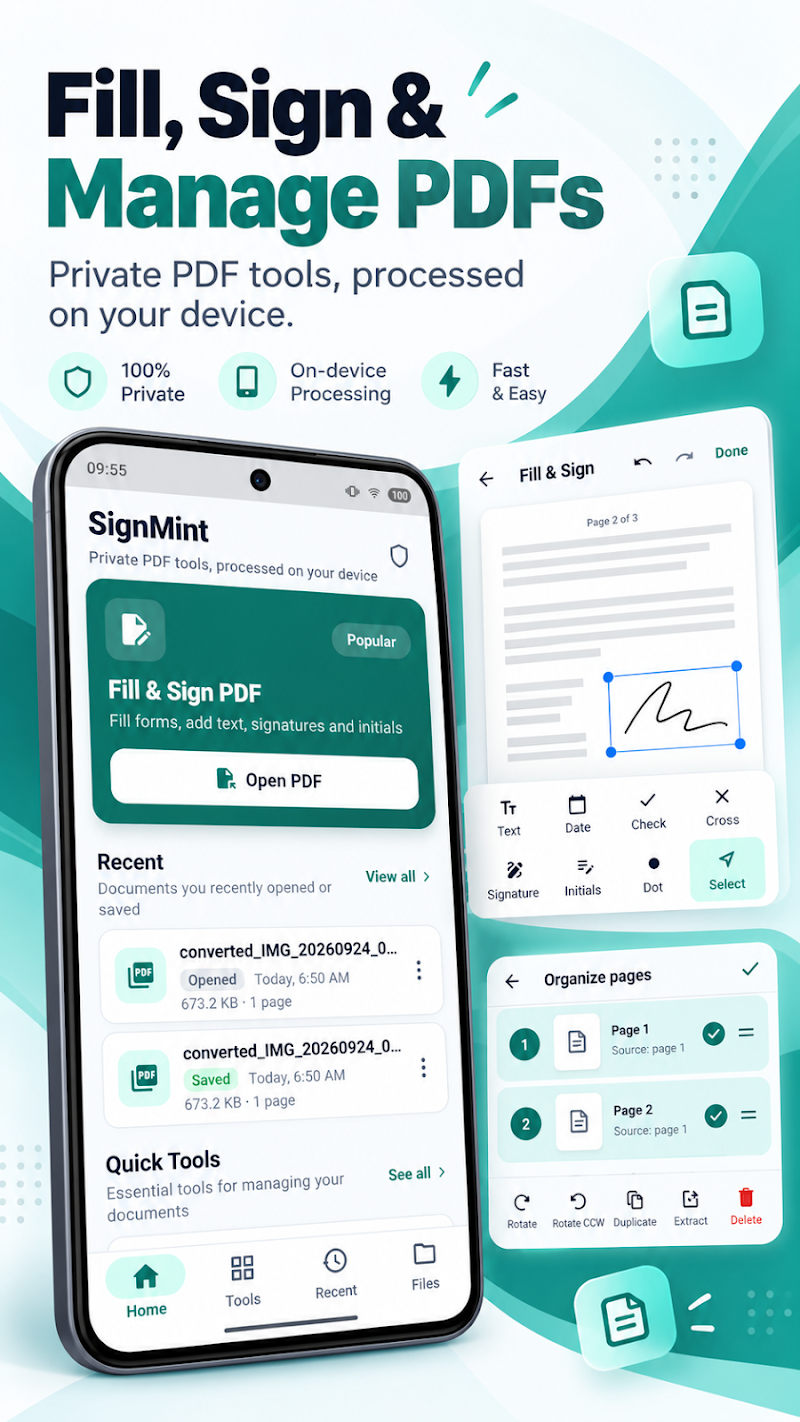
Page Merge, Split & Organization 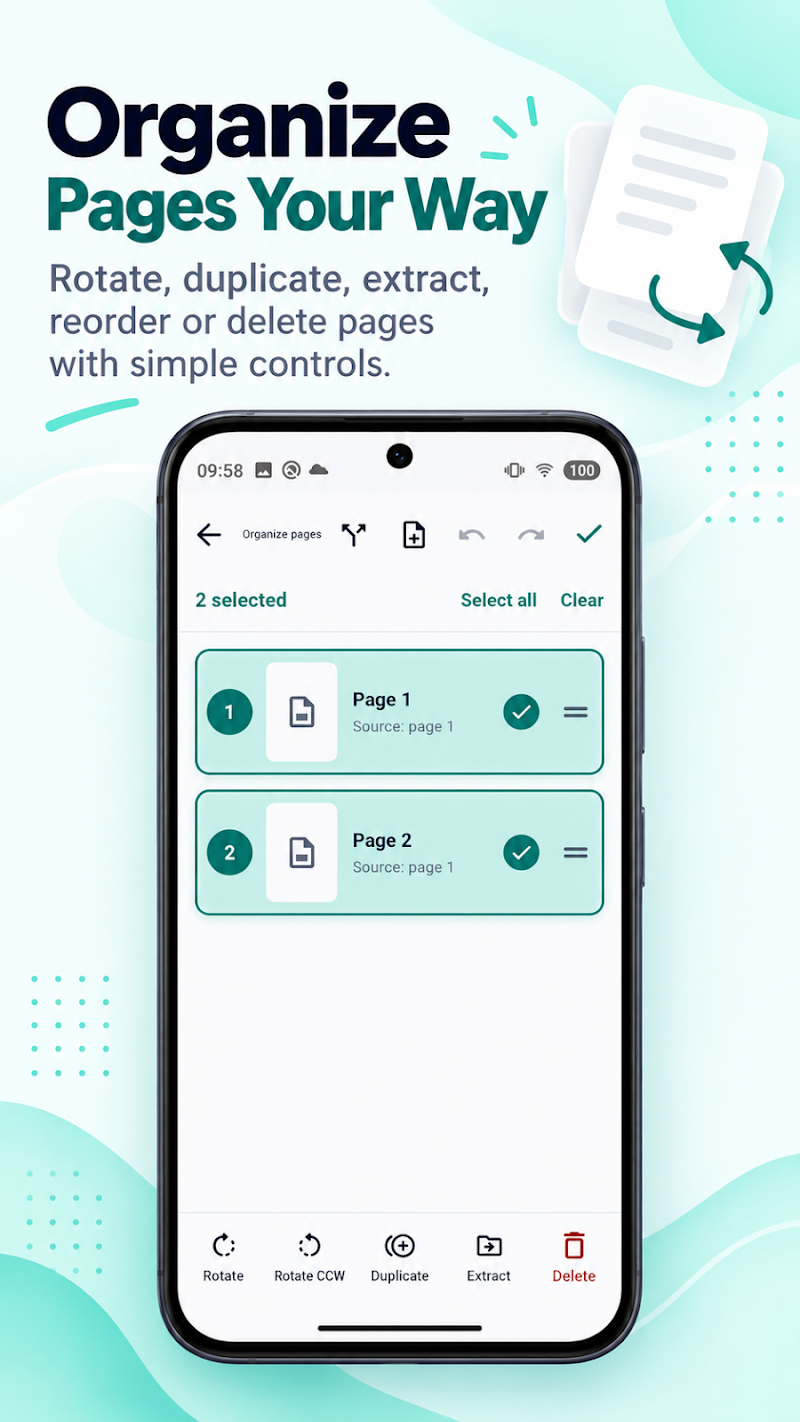
Document Protection & Password Locking
Everything You Need for PDFs
Key tools designed for on-device PDF signing, editing, page organization, and confidential document security.
PDF Viewing & Digital Signing
Open and review PDF documents, place custom signatures, initials, dates, and checkmarks with intuitive touch controls.
Page Merge, Split & Organization
Combine multiple PDF files into one, extract specific pages, rotate orientation, and reorder document structure.
Compression & Document Protection
Optimize file sizes for easy sharing, apply visual text watermarks, and lock sensitive documents with password encryption.
Image Conversions & Quick Export
Create PDFs directly from device photos or extract PDF pages to image formats, ready for immediate saving and sharing.
About SignMint
SignMint (published on Google Play as PDF Editor & Tools: SignMint) brings everyday PDF workflows together into a streamlined mobile utility.
Fill out forms, place reusable signatures, merge or split page ranges, compress large documents, and secure confidential files with password encryption—all processed locally on your Android device with native performance and respectful privacy.
Platform Availability & Store Access
Official store listings for SignMint. Direct download controls connect to verified platform listings.
Google Play
AndroidSignMint is available for Android on Google Play.
App Store
iOSA iOS version of SignMint is not currently planned.
Privacy Disclosures (Draft)
Review pre-release privacy disclosures and data handling specifications for SignMint (compliance review pending).
Product Support & Feedback
Encountering questions, bugs, or early feedback? Reach our engineering team directly via verified support channels.